
Notebooks 4 for Mac
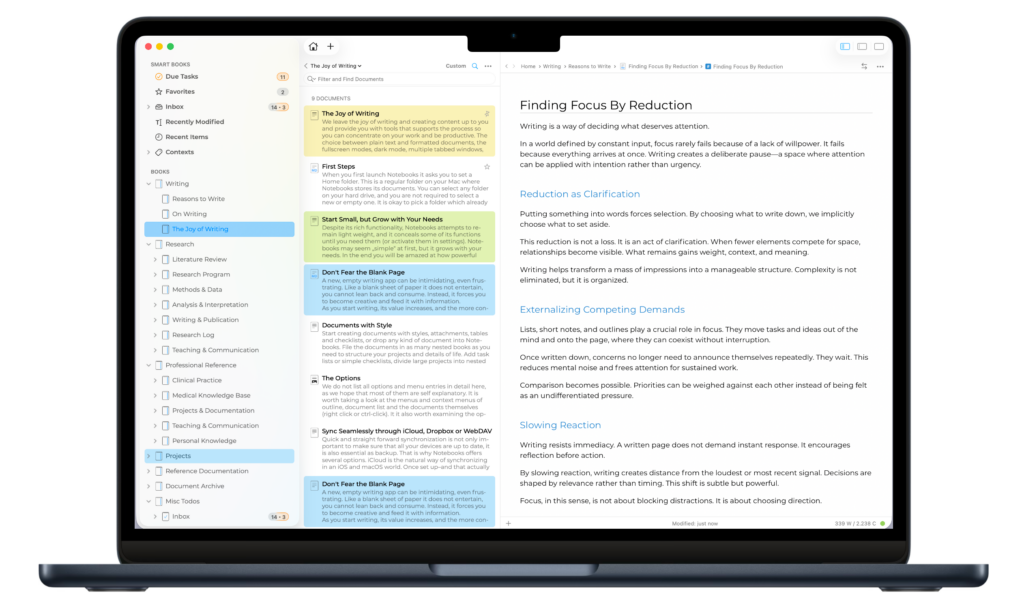
This update focuses on refinements, reliability, and visual consistency across the app. Several improvements enhance everyday editing, task extraction works more consistently, typing performance has been improved, the outline and document list have been refined to behave more predictably, working with PDFs is more convenient, and much more.
This update also enhances Liquid Glass support, introduces a new app icons, and resolves interface inconsistencies.
Overall, this release is about making Notebooks feel more solid, more predictable, and more polished.
Notebooks 4.0 is available from this website and from the Mac App Store. Users of the non-Mac App Store version can use Notebooks‘ automatic update option as well.
As always, if you have any questions or feedback, don’t hesitate to reach out to us.
The Changes in More Detail
Documents
- Typing very fast in plain text sometimes could have lead to a crash; this has been resolved.
PDF Documents
- Notebooks displays the current page number in the document’s footer.
- A new “Go to Page…” option is now available. You can access it by clicking the page number or typing “opt-cmd-G”.
Tasks
- Clicking a task icon displays a menu with options instead of toggling the task right away, which makes task handling more predictable.
- Automatically extracted tasks are reliably stored in the default inbox – if defined.
Images
- Links to embedded images stored outside of Notebooks’ hierarchy work as expected.
- Importing images with drag & drop is more robust, with improved detection of HEIC and GIF files.
- Notebooks now supports the jxl image format.
- Text recognition uses automatic language detection on macOS 13 and later, improving results across different languages.
Outline
- When Notebooks is set to expand a book by clicking its title, clicking it again closes the book.
- Quickly renaming a series of books in the outline could have accidentally renamed the wrong book; this is resolved.
Sharing from Other Apps
- Sharing websites from Safari tries to preserve the site title and avoids duplicates.
Storage Locations
- The option to switch storage locations has been removed from Notebooks’ settings, as it is more conveniently available from the File menu.
Notebooks 4.0 requires macOS 10.15 or later.